How Photo2Stitch Works
From photo to embroidery pattern in 3 simple steps.
For cross-stitch, needlepoint, diamond painting, and more.
No experience required.
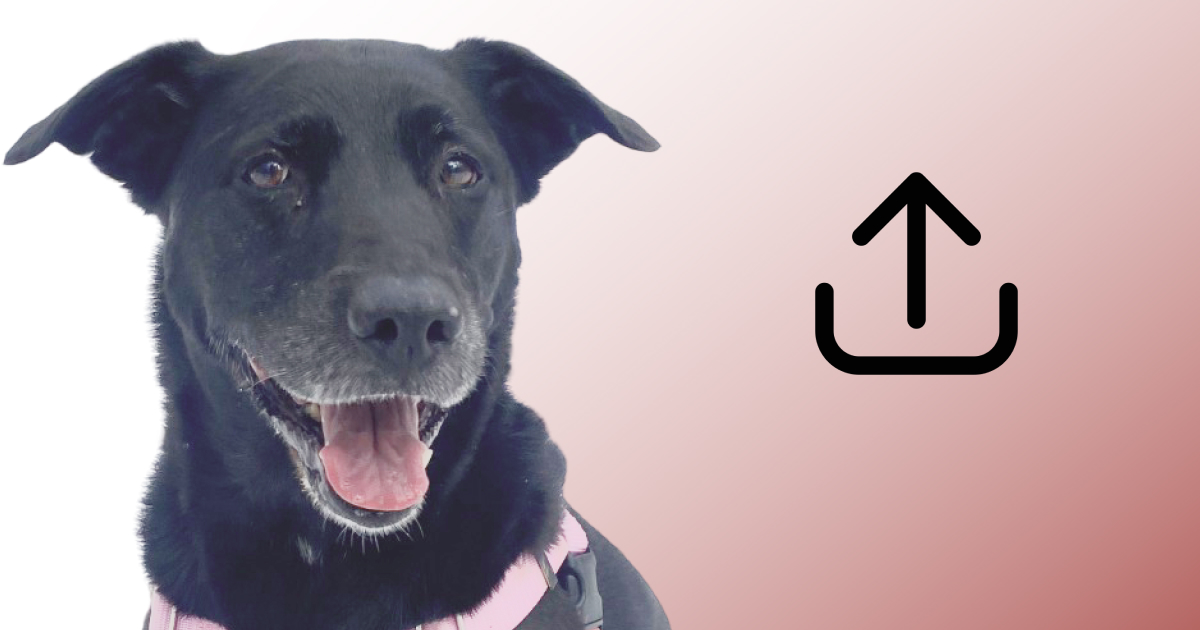
Upload & Customize
Upload your favorite photo and use our intuitive editor to adjust colors, brightness, and select your canvas type. Our smart tools help you get the perfect look.
- Drag & drop or click to upload
- Crop and rotate your image
- Adjust brightness, contrast, and saturation
- Choose from 2-50 thread colors
- Select your preferred canvas type
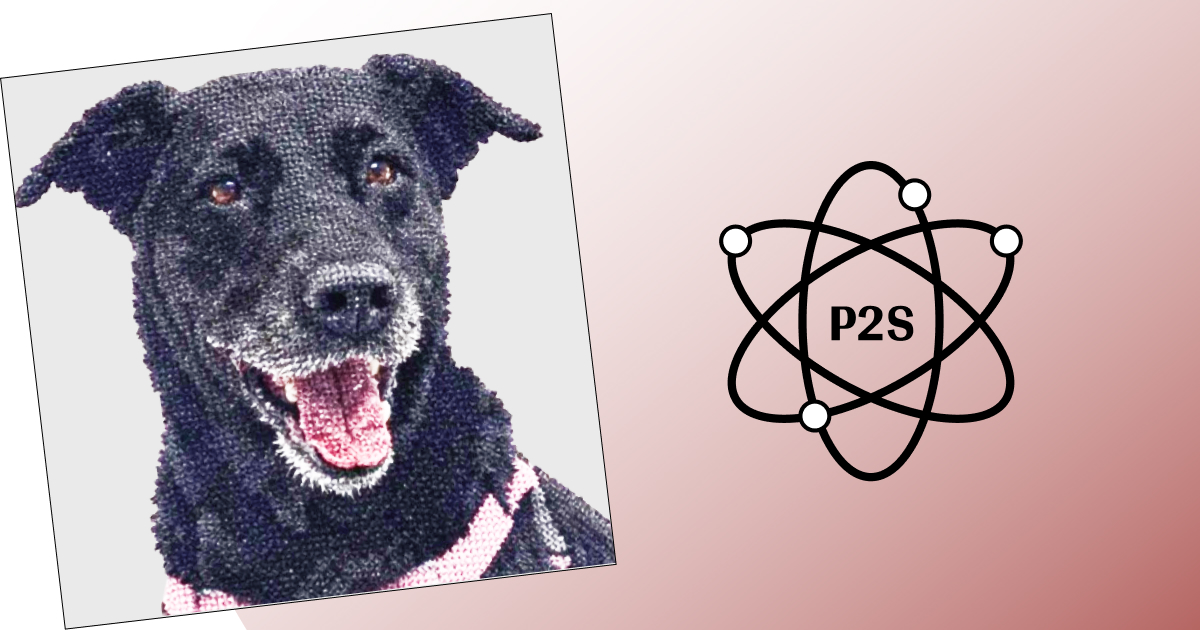
Generate Preview & Checkout
Our proprietary confetti reducing algorithm processes your image, maps colors to real thread codes, and generates a pattern preview. Review it and complete checkout for instant Digital Canvas access.
- Machine learning color quantization
- DMC/Anchor thread mapping
- Proprietary confetti reduction algorithm
- Real-time pattern preview
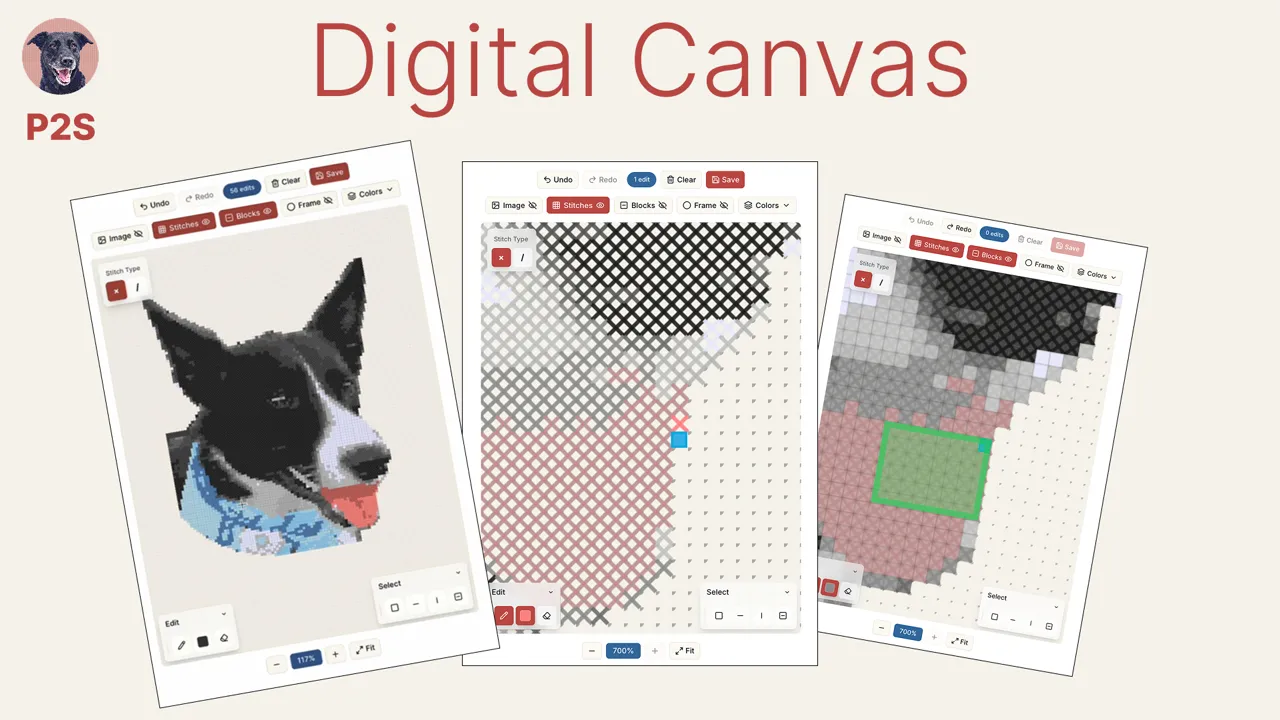
Access Digital Canvas
Get instant access to your interactive digital canvas. View your detailed pattern, break it down by color layers, add or remove stitches, change colors, view bills of materials, and download all instructions to pdf.
- Interactive digital pattern viewer
- Edit individual stitches and colors
- View and change color layers
- Zoom and pan controls for detailed work
- Downloadable bill of materials with thread codes
- Access anytime from any device
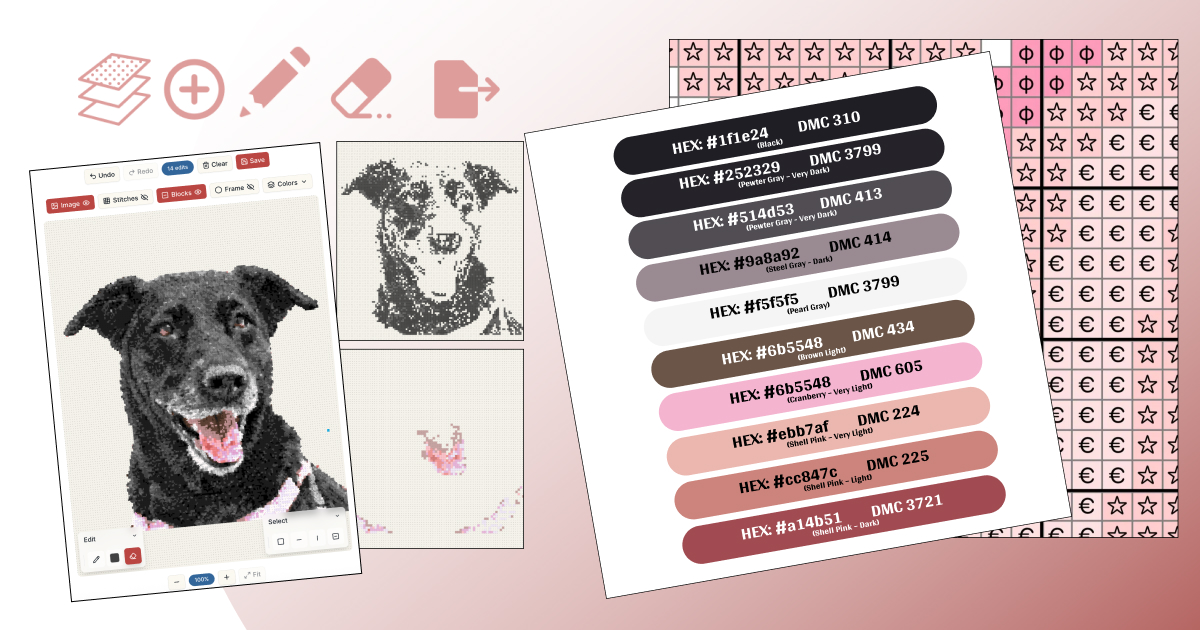
The Technology Behind the Magic
Curious about how we create such clean, stitchable patterns? Here's a peek under the hood.
Ready to Create Your Masterpiece?
Transform your favorite photo into a beautiful, confetti-improved cross-stitch pattern today.
Get Started Now