Convert a Custom Photo to a Stitch Pattern for Pattern Keeper (and Markup R-XP)
September 21, 2026
Pattern Keeper, Markup R-XP, and similar apps, turned the phone into a stitching tool: one continuous chart instead of a stack of pages, a tap to light up every stitch of a colour, and a progress count that survives a week away from the hoop. The catch has always been that it only reads PDFs built a particular way, and most photo converters don't build them that way. Every Photo2Stitch export does, and this post explains what that means and how to use it.
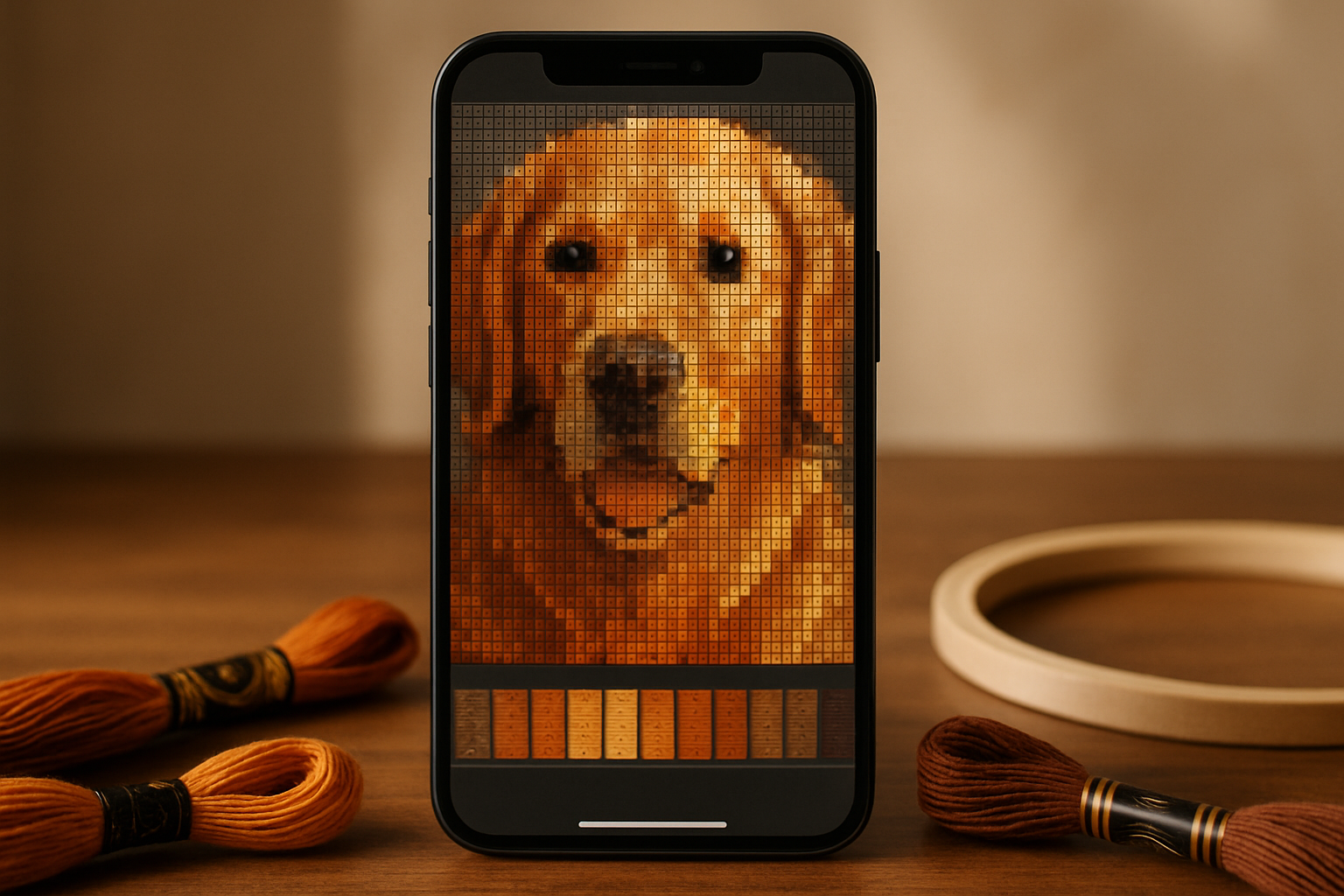
What "Pattern Keeper compatible" actually means
What Photo2Stitch is great at converting your photo to a stitchable pattern. If you want to open the pattern in your favorite stitching apps, like Pattern Keeper, we have exports for that. Stich pattern apps do not look at your chart the way you do. It reads the PDF's text to find symbols and its vector lines to find the grid. A chart that was drawn as an image, which is how most free converters produce them, has neither, so the app reports that it cannot detect a grid and the colour highlighting never works. A compatible PDF has four properties:
- Every symbol is a real text character, one unique character per thread colour.
- The grid is made of lines, with a heavier line every ten stitches.
- The colour key is a table whose header includes the words "Number" and "Name", one thread per row.
- Chart pages break exactly on grid lines, so the app can stitch pages back into one chart.
Markup R-XP is more forgiving and reads almost any PDF, but a chart with those four properties gives you the same seamless chart and clean symbol recognition there too.
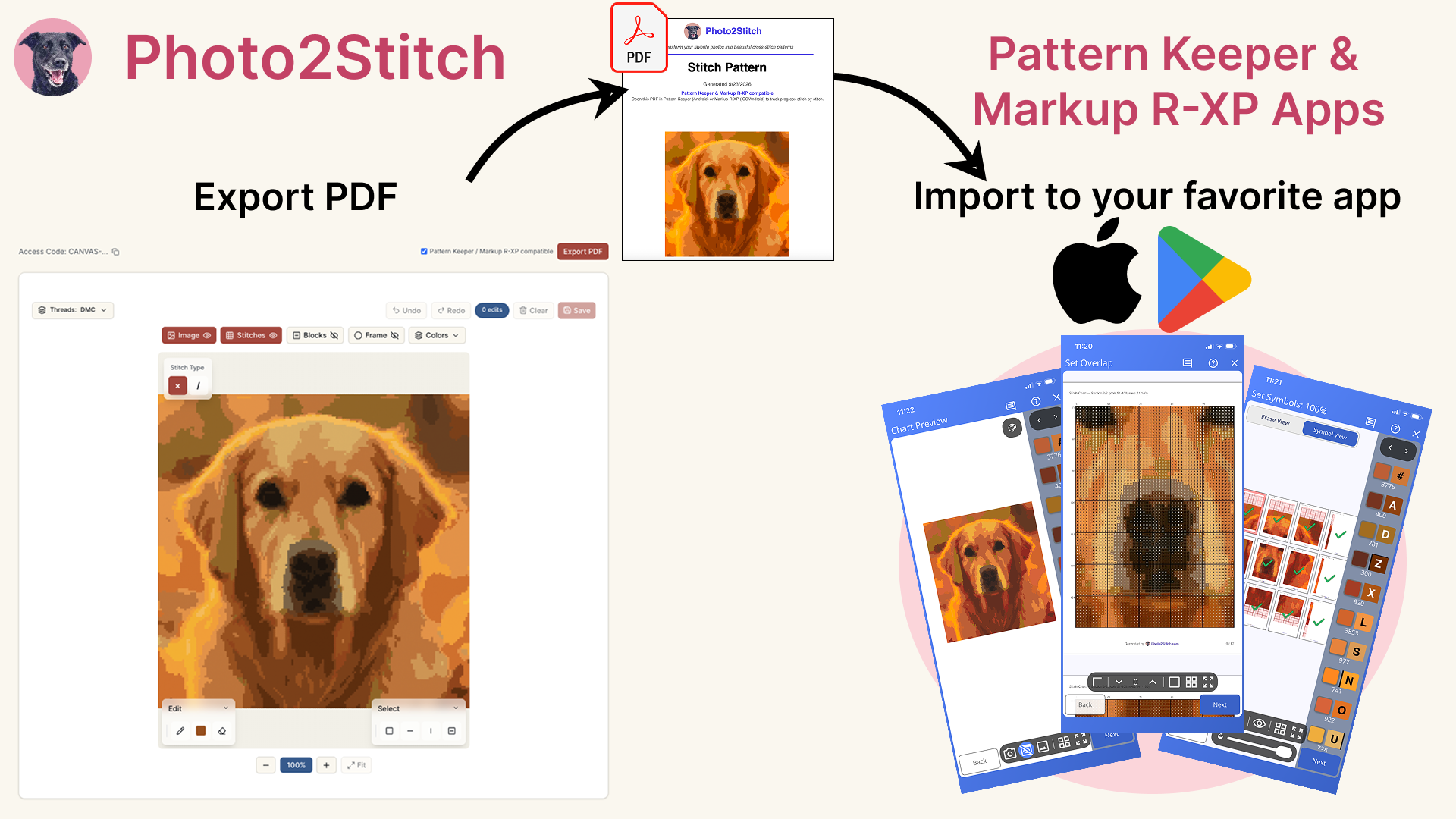
Exporting from Photo2Stitch
Open your pattern in the Digital Canvas and click Export PDF. The Pattern Keeper / Markup R-XP compatible option is on by default; leave it on. The export contains, in order: a cover page, the bill of materials, the colour key, the tiled stitch chart (the part the apps read), and two life-size pages you can print for stitching straight from paper.
If you only ever print, you can turn the option off to get the older layout with the life-size pages first. There is no quality difference; the chart is identical.
Importing on Android (Pattern Keeper)
- Send the PDF to your phone: email it to yourself, save it to Google Drive, or use the share sheet from the download.
- In Pattern Keeper, tap +, choose the PDF, and let it process. A 30-colour photo pattern takes a few seconds.
- Check the key: every thread should appear with its DMC number and name. If a thread is missing, the PDF was exported with the compatibility option off.
- Tap a colour in the key to highlight it across the whole chart. Long-press a stitch to mark it done.
Importing on iPhone or Android (Markup R-XP)
- Open Markup R-XP, tap Import, and pick the PDF.
- Confirm the grid alignment on the first chart page; the app finds it on its own for our exports.
- Use the key to select a colour and the brush to mark stitched cells. Progress is stored per project and can be exported as a backup.
A phone-first workflow for photo patterns
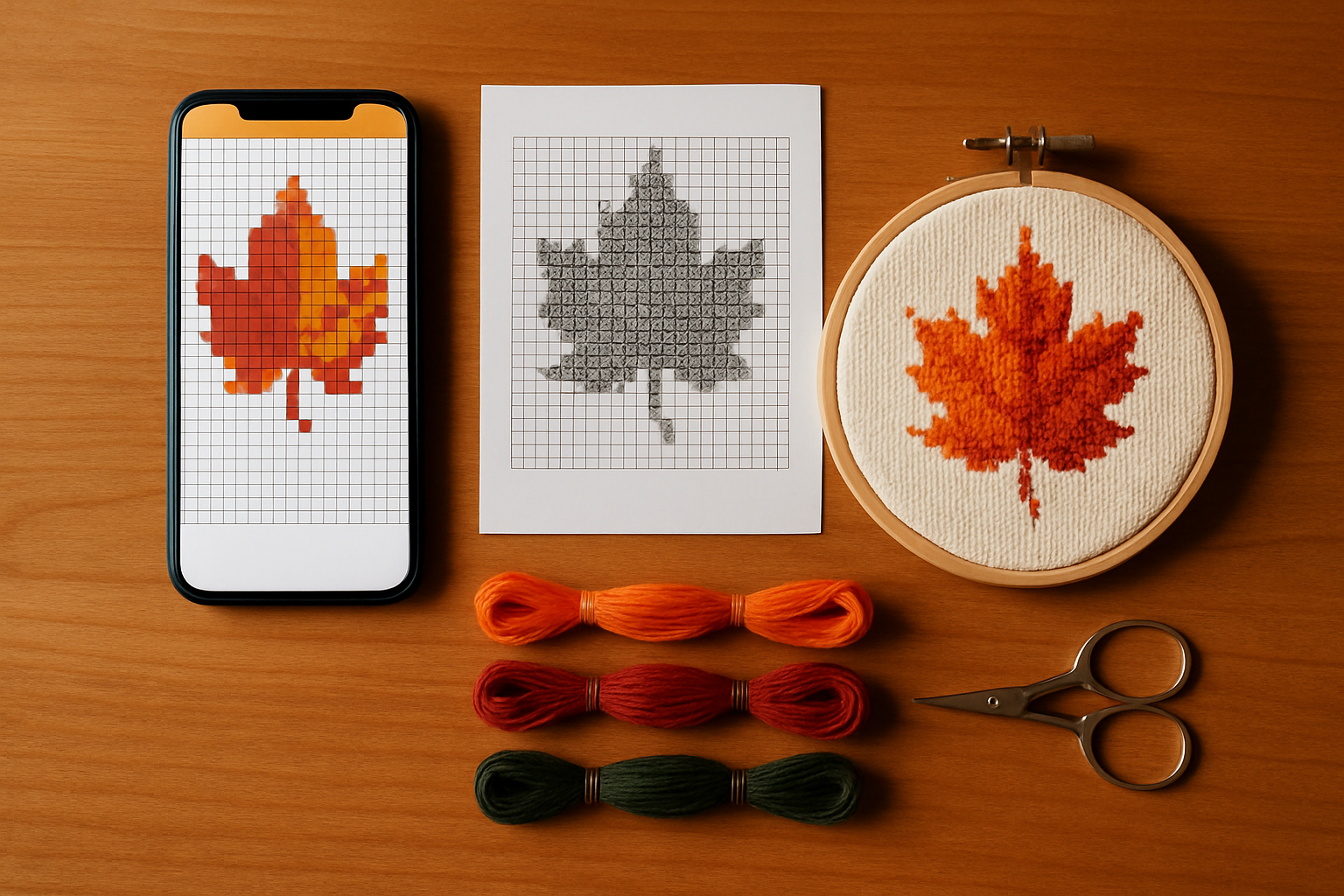
Photo patterns have more colour changes than a typical designed chart, and that is where the apps earn their keep. Work one colour at a time within a ten-by-ten block: highlight the colour, stitch every cell of it in the block, mark them, and move to the next colour. The "parking" habit many stitchers use for photo patterns fits this exactly. Keep the printed life-size chart nearby for the overall picture; the phone is for the next ten stitches.
Frequently asked
Does the free preview export a compatible PDF? The PDF export is part of the Digital Canvas, which is unlocked with a purchase. The free preview in the editor shows you the full pattern before you decide.
Can I edit the pattern and re-export? Yes. Every change you make on the Digital Canvas, from recolouring a region to painting single stitches, is in the next export.
Which version of Pattern Keeper do I need? Any current version; the app has read text-symbol PDFs since its early releases. Markup R-XP needs a subscription for import on some platforms; check its current terms.
Try it with your own photo
Upload a photo and see your counted cross stitch pattern preview — free, before you pay anything.
Try the free pattern preview