Personalized Cross Stitch Christmas Gifts from a Photo
October 29, 2026
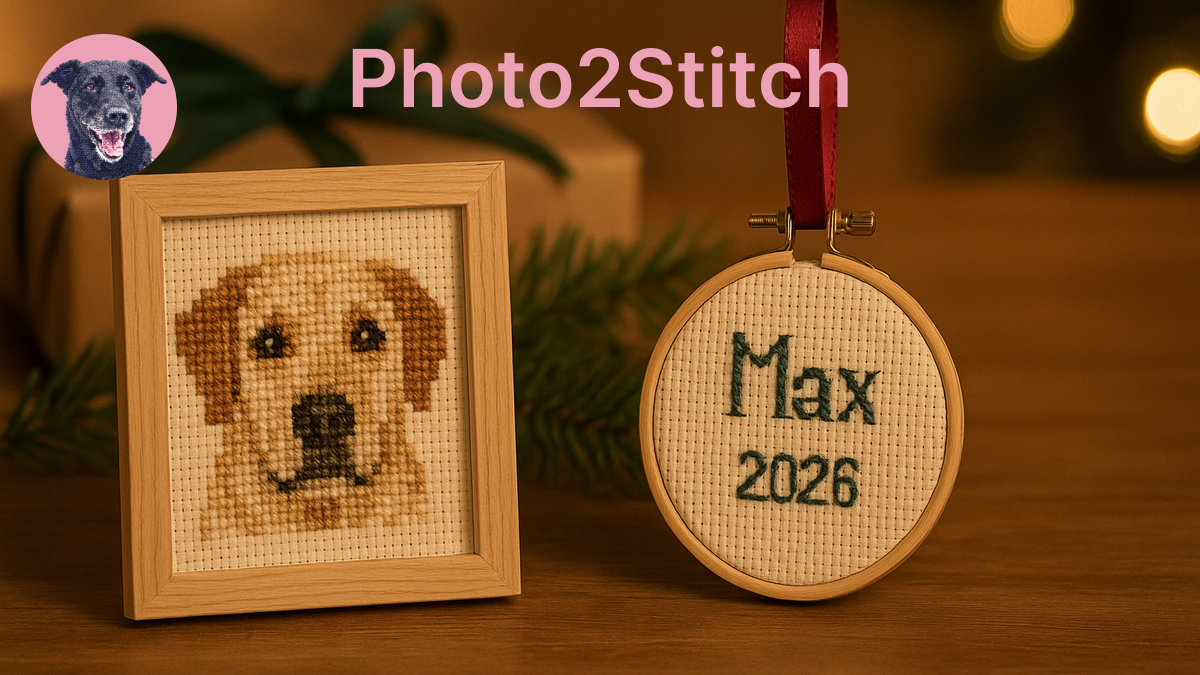
A personalized cross stitch Christmas gift made from a photo has one hard constraint, and it's the calendar. A 3-inch ornament takes a few evenings. A framed 8×10 takes most of the autumn. Pick the size first, from the time you have, and everything else follows.
This post covers how long each size takes, who a photo piece suits best, how to pick and prepare the photo, and how to add a name and the year so the gift is clearly theirs.
How long a Christmas cross stitch takes
The table assumes 14-count Aida, every square stitched, and a pace of 200 to 300 stitches an hour, which is where most people land once they're past their first project.
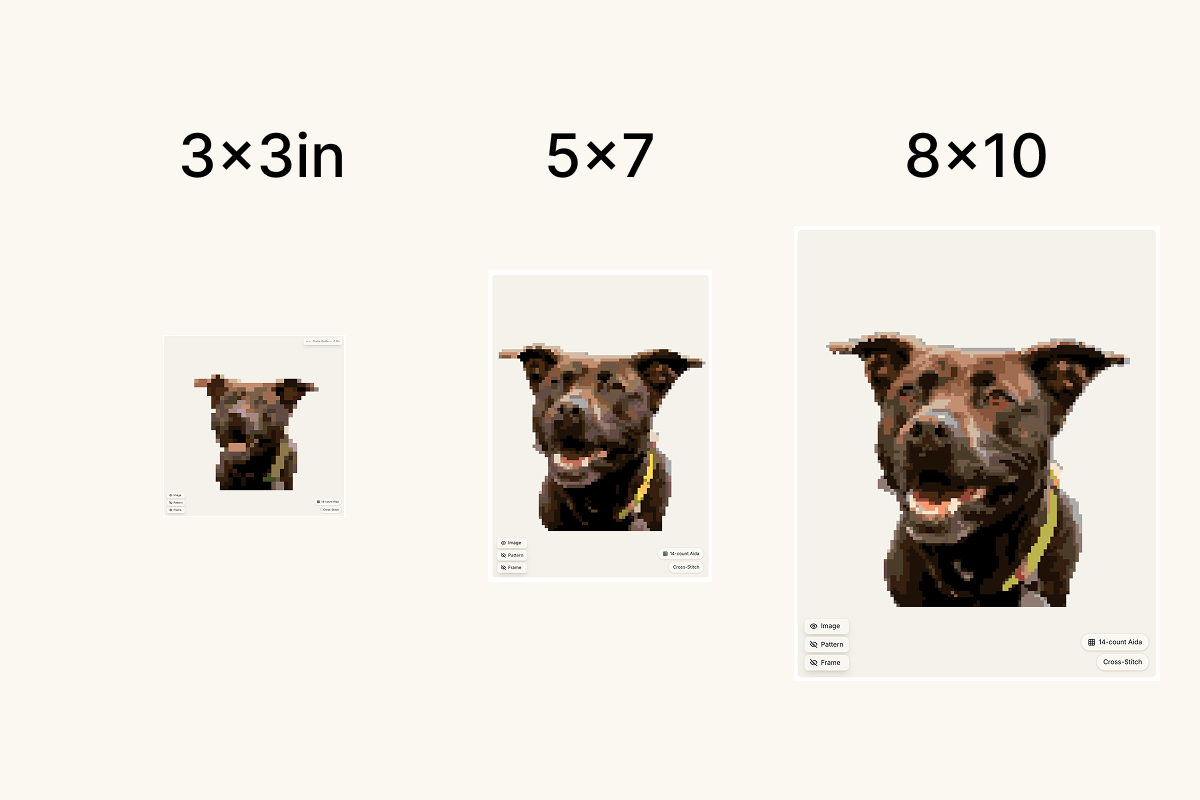
| Piece | Grid (14-count) | Stitches | Hours | Start by (an hour a day) |
|---|---|---|---|---|
| Ornament, 3 in | 42 × 42 | about 1,800 | 6–9 | Early December |
| Ornament, 4 in | 56 × 56 | about 3,100 | 10–16 | End of November |
| Small frame, 5 × 7 in | 70 × 98 | about 6,900 | 23–34 | Mid-November |
| Frame, 8 × 10 in | 112 × 140 | about 15,700 | 52–78 | Early October |
At two hours a day, the 8 × 10 can wait until mid-October. Leave a few days on top for finishing. Pressing and backing an ornament is an evening; framing can take longer than you expect in December, so I'd order or buy the frame as soon as you know the size.
Removing the photo's background lowers these numbers, sometimes by a lot, because the empty fabric around the subject doesn't need stitching. A pet's face on plain Aida is far quicker than the same face with a sofa and a rug behind it.
Who a personalized cross stitch Christmas gift suits
The best recipients for a Christmas cross stitch from a photo are people who already have a picture they love and would never think to have it stitched.
Pet owners are the obvious one. A dog or cat portrait works at almost any size, and the pet portrait guide covers fur, eyes and the photo choices that make an animal recognizable.
A baby's first Christmas is where the ornament format shines. A small portrait with the name and the year underneath goes on the tree every December after that, which is a lot of mileage for a few evenings of stitching.
Grandparents tend to get the framed pieces: grandchildren together, the family house, a dog that has since passed. These are the projects worth starting early, since they want the larger sizes in the table.
For a couple, a wedding or engagement photo with both names and the date works well as a 5 × 7. It's also an easy gift for the friend who has everything, because nobody else will have given them that exact picture.
Choosing the photo
At ornament size, the photo matters more than any setting. A 42-stitch-wide portrait gives a face perhaps 25 stitches across, so pick a photo where the subject fills the frame, the light is even, and the face isn't half in shadow. Crop tight before you upload. A loose crop spends your stitches on background.
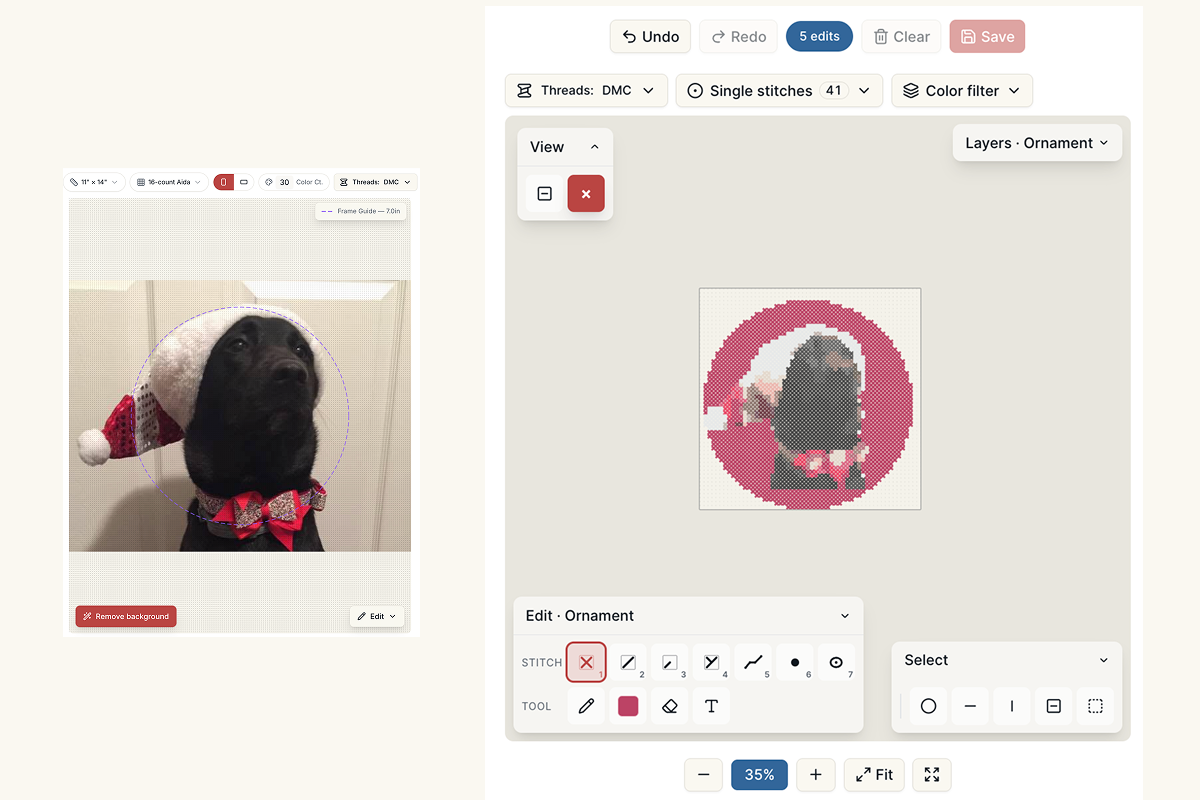
Background is the other choice. A busy room behind the subject eats colors and stitches. Photo2Stitch can remove it in the editor, with a Refine brush for edges like fur or hair. Remove your photo's background free when you sign in. Every pattern you buy adds 2 more removals, and members get unlimited background removal.
For the larger framed sizes you can keep more of the scene. A family on a porch, or a dog in the snow, reads well at 8 × 10, where there are enough stitches for the setting to stay recognizable.
Adding a name and the year
A name is what turns a portrait into a personalized gift. There are two ways to add one on the Digital Canvas.
Full-stitch text is bold and graphic, and suits a big name across the top of a sampler-style piece. Backstitch lettering draws thin letters over the pattern instead, which is the usual style for a name and a date under a picture. It comes in two sizes: S letters are 2 stitches wide and 3 tall, and L letters 4 wide and 6 tall. A name like "Isabella" plus "2026" fits under a 3-inch ornament at S size; on a 5 × 7 there's room for L.
The guide to personalizing a pattern covers frames and borders too, if you want a simple stitched edge around the portrait.
Build a Christmas motif library
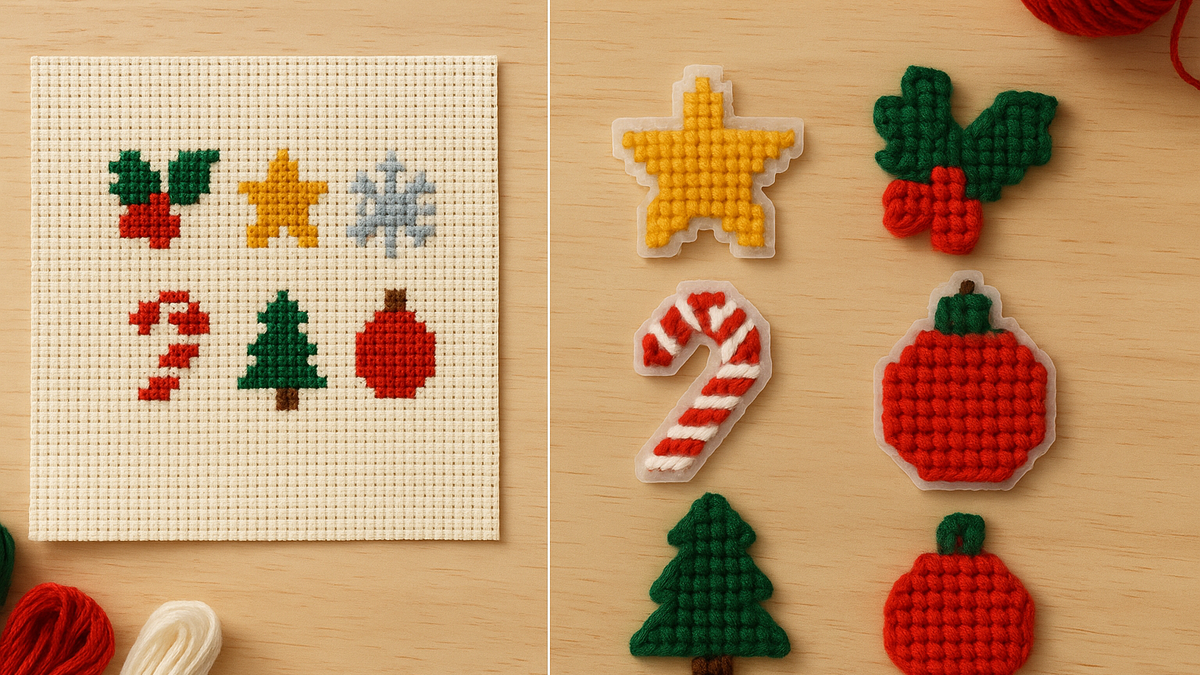
If you're making more than one gift, chart the small Christmas pieces once and reuse them. A holly sprig, a star, a snowflake, a candy cane and a little tree cover most of what a Christmas design needs.
Start each one on a blank canvas in the editor, using Exact stitches at around 10 to 16 stitches square. Draw it, then choose Save as motif next to Export on the Digital Canvas. It goes into the Motifs side of your library, ready for every pattern after it.
Embellishing each gift then takes a couple of minutes. In the Layers panel, add a motif from your library and place it: a holly sprig in two corners (flip it for the second one), a star above the name, or a snowflake repeated along the bottom as a border. Each placed motif is a copy, so recoloring the holly on one gift doesn't touch the others.
Using the same set on every gift makes the family's presents look like a matching collection, and the library is still there next December. Keep the motifs small on an ornament: on a 42-stitch circle a 9-stitch sprig is plenty, while an 8 × 10 frame has room to place them at double size. Saving and placing motifs works on any unlocked pattern.
Turning the photo into a Christmas cross stitch pattern
- Upload the photo in the editor and crop it to the subject.
- Turn on background removal if the setting is busy.
- Choose Cross-Stitch, your fabric (14-count Aida is the safe choice for gifts), and the canvas size from the table: 3 × 3 or 4 × 4 for an ornament, 5 × 7 or 8 × 10 for a frame.
- Pick a color count. Around 15 to 20 colors suits an ornament; a framed portrait can take 25 to 35.
- Generate the free preview and check the eyes and the face. If those read well at preview size, the pattern will stitch well.
If you'd rather compare photos first, run two or three through the same settings. The preview costs nothing, and it's the quickest way to see which picture holds up at ornament size. The same image to cross stitch pattern converter handles a scanned print as well as a phone photo, so an old family picture works too.
Finishing it as an ornament or in a frame
For an ornament, leave about half an inch of fabric beyond the stitching, back it with felt cut to the same shape, and glue or whipstitch the two together with a loop of ribbon or cord at the top. A round or square shape is easiest. Wool felt in deep green or red frames a portrait nicely and hides the back of the work.
For a frame, press the piece face down on a towel under a damp cloth before mounting it, so the fabric lies flat behind the glass. Lace or tape it over acid-free board, or take it to a framer with the piece already pressed.
If you'd like something stitched without a needle and fabric, plastic canvas makes sturdy ornaments that need no backing at all; the plastic canvas ornament guide covers sizes and yarn.
Try it with your own photo
Upload a photo and see your counted cross stitch pattern preview — free, before you pay anything.
Try the free pattern preview